
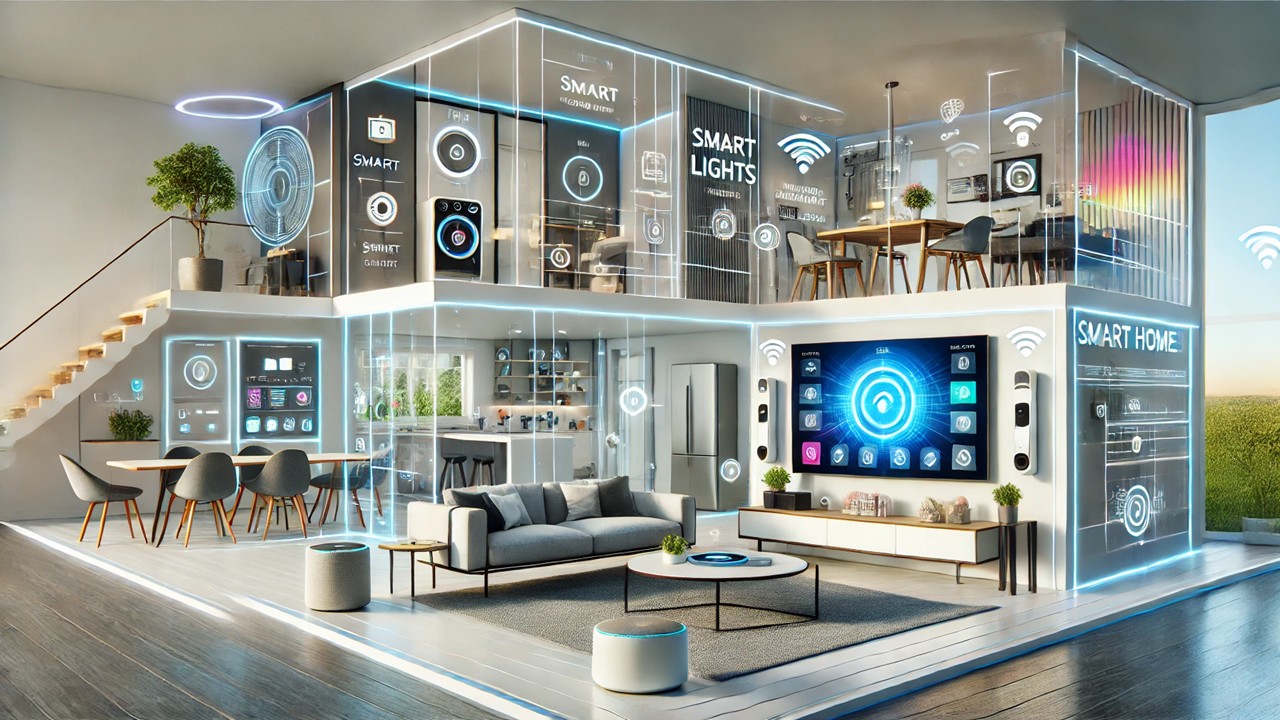
Are you ready to transform your living space into a smart home but don’t know where to start? Creating a smart home from scratch can seem intimidating, but with the right guidance, anyone can automate their home effortlessly. This step-by-step guide will walk you through everything you need to know to set up your smart home system, from choosing devices to optimizing automation. Whether you’re a tech newbie or just looking to upgrade, this guide is designed to make the process simple and enjoyable.
What Is a Smart Home?
A smart home refers to a residence equipped with internet-connected devices that enable remote monitoring, automation, and control of household systems such as lighting, heating, security, and entertainment. With smart technology, you can enhance comfort, convenience, energy efficiency, and security.
Step 1: Define Your Smart Home Goals
Before buying any gadgets, think about what you want to achieve:
-
Do you want to improve home security with cameras and smart locks?
-
Are you interested in saving energy with smart thermostats and lighting?
-
Would you like to automate daily routines such as turning lights on/off or controlling appliances remotely?
-
Do you want voice control for convenience using assistants like Alexa or Google Assistant?
By defining your goals, you can prioritize which smart devices to purchase and avoid unnecessary expenses.
Step 2: Choose a Smart Home Ecosystem
Smart home devices often work best within a specific ecosystem or platform. Popular options include:
-
Amazon Alexa: Compatible with thousands of devices and offers robust voice control.
-
Google Home / Google Assistant: Great for Android users with seamless integration to Google services.
-
Apple HomeKit: Best suited for Apple device owners who want strong privacy and easy setup.
-
Samsung SmartThings: A flexible hub-based system supporting many third-party devices.
Pick an ecosystem that aligns with your existing devices, preferences, and budget. This ensures your smart gadgets will work smoothly together.
Step 3: Start with a Smart Hub or Voice Assistant
Most smart homes require a central hub or voice assistant device that connects and controls all smart devices. Popular hubs and assistants include:
-
Amazon Echo devices (Echo Dot, Echo Show)
-
Google Nest Hub or Nest Mini
-
Apple HomePod Mini
-
Samsung SmartThings Hub
These hubs enable you to manage devices via smartphone apps or voice commands. If you prefer voice control, a smart speaker with an assistant is essential.
Step 4: Select Essential Smart Devices
Begin by adding essential devices that will give you the most immediate benefit:
1. Smart Lighting
Smart bulbs and switches allow you to control your lights remotely, schedule on/off times, and even adjust brightness and colors.
-
Brands to consider: Philips Hue, LIFX, TP-Link Kasa
-
Benefits: Energy savings, ambiance control, convenience
2. Smart Thermostats
Smart thermostats learn your schedule and adjust heating/cooling automatically to save energy.
-
Popular options: Nest Thermostat, Ecobee, Honeywell
-
Benefits: Lower utility bills, remote temperature control
3. Smart Security
Security cameras, video doorbells, and smart locks enhance home safety.
-
Recommended products: Ring Video Doorbell, Arlo Cameras, August Smart Lock
-
Benefits: Real-time monitoring, remote access, notifications
4. Smart Plugs and Outlets
Convert traditional appliances into smart devices by plugging them into smart outlets.
-
Options: TP-Link Kasa Smart Plug, Wemo Mini
-
Benefits: Control lamps, fans, coffee makers remotely
Step 5: Install and Set Up Devices
Follow the manufacturer’s instructions carefully for installation. Most smart devices come with easy-to-use apps that guide you through setup. Tips for smooth installation:
-
Ensure your Wi-Fi signal is strong where devices will be placed.
-
Keep your smartphone and devices updated with the latest firmware.
-
Use unique, secure passwords for your smart home accounts.
-
Group devices by rooms or zones in the app for easier control.
Step 6: Connect Devices to Your Smart Hub or Assistant
After installing devices, connect them to your hub or voice assistant app. This usually involves:
-
Opening the hub app (e.g., Alexa app, Google Home app)
-
Adding new devices via “Add Device” or “Pairing” option
-
Following on-screen prompts to link devices to your network and hub
Once connected, you can control devices through a single app or by voice commands.
Step 7: Create Automation and Routines
Automation is what makes a smart home truly intelligent. Set up routines to make devices work together automatically. For example:
-
Turn on porch lights at sunset.
-
Adjust thermostat when you leave or arrive home.
-
Lock doors and turn off lights when you say “Goodnight.”
-
Receive alerts if motion is detected when you’re away.
Most apps have easy-to-use “Routines” or “Scenes” features where you choose triggers (time, sensor, voice command) and actions.
Step 8: Enhance Security and Privacy
Smart homes can be vulnerable if not properly secured. Take these precautions:
-
Use strong, unique passwords for all devices and accounts.
-
Enable two-factor authentication if available.
-
Regularly update device firmware to patch security vulnerabilities.
-
Limit device access to trusted users.
-
Consider creating a separate Wi-Fi network for smart devices.
Step 9: Expand Your Smart Home Gradually
Once you’re comfortable with the basics, expand your smart home by adding:
-
Smart blinds or curtains
-
Smart kitchen appliances
-
Voice-controlled entertainment systems
-
Smart sensors for water leaks, smoke, or carbon monoxide
Adding devices gradually allows you to learn and adapt without feeling overwhelmed.
Step 10: Maintain and Troubleshoot Your Smart Home
Regularly check your devices and apps to ensure everything is working smoothly. Some maintenance tips:
-
Restart devices or hubs if they become unresponsive.
-
Keep Wi-Fi routers updated and optimize signal coverage.
-
Review connected devices periodically and remove unused ones.
-
Backup important settings or configurations if possible.
Final Thoughts: Making Your Home Smarter Without Stress
Creating a smart home from scratch doesn’t have to be complicated. By defining your goals, choosing the right ecosystem, starting with essential devices, and gradually expanding, you can enjoy the convenience and benefits of automation with minimal effort.
Remember, the key to a successful smart home is simplicity and compatibility. Focus on devices that genuinely improve your daily life and ensure they integrate well within your chosen platform. With this step-by-step guide, you’re now ready to embark on your smart home journey confidently.
